
Helping Teams Build Flexible Web Pages Faster Without Repetitive Development Work

Modern web development teams often receive a steady stream of page layout requests, design variations, and client-specific content needs.
For this project, EVLabs developed an in-house layout builder that simplifies page creation, improves development efficiency, and gives users more control over how pages are structured and maintained.
The solution was first created for a leading Asian B2B SaaS betting platform. Over time, it evolved into a reusable tool that can be applied across different industries, websites, and digital products.
Before the layout builder was introduced, developers were spending too much time on page structure, content placement, and small visual variations.
Many requests did not require complex engineering, but they still depended on the development team. As the volume of client-specific layouts increased, this created avoidable bottlenecks.
Users needed more independence when creating and updating page layouts, but even minor changes still required developer support.
Adding and arranging text, images, headers, videos, widgets, and other content blocks required a more intuitive workflow.
The platform needed to support customization without rebuilding every page from scratch. A more repeatable model was required to balance flexibility with efficiency.
The layout builder gives users a visual, practical way to create and manage web page layouts without writing complex code.
Users can structure pages, arrange content blocks, customize design elements, and preview changes in real time.
The platform enables teams to:
By introducing a visual layout-building experience, the solution improved both internal workflows and end-user flexibility.
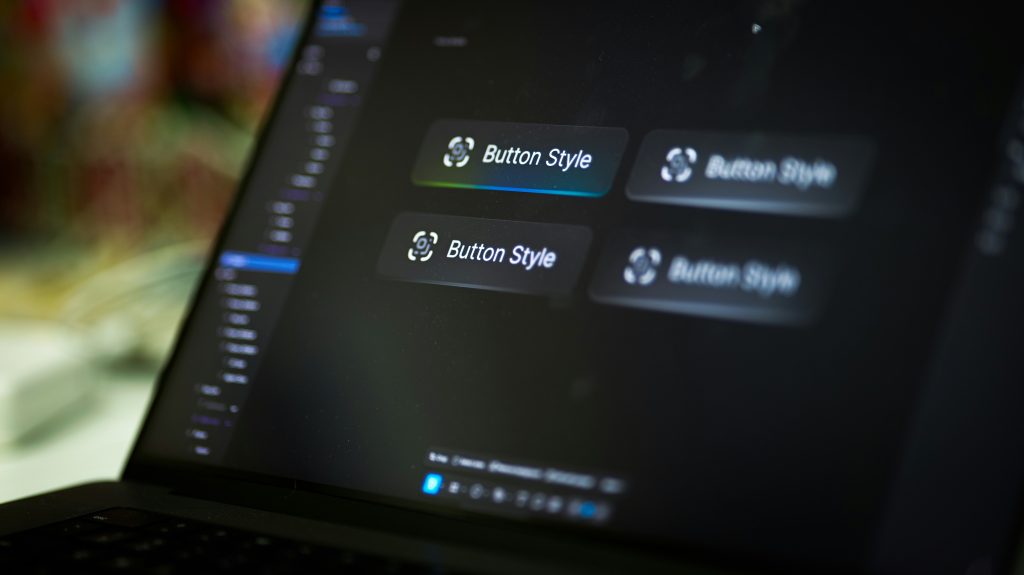
The tool allows users to create, personalize, and manage page structures through an intuitive interface, while developers can focus on more complex platform functionality.
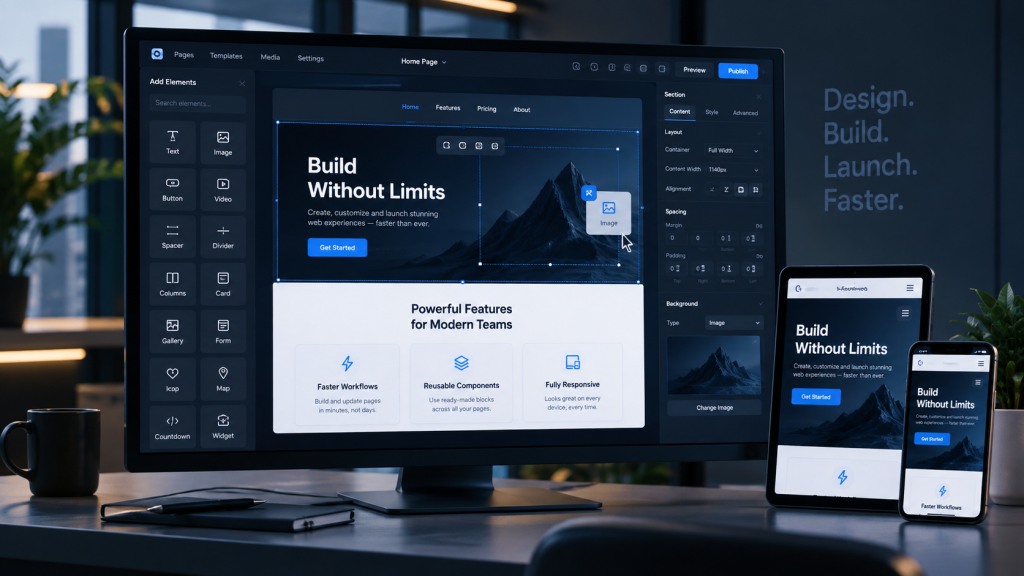
Users can arrange page elements directly on a visual canvas, including text, images, videos, widgets, headers, and other content blocks.
This makes page creation faster, easier to understand, and less dependent on technical support.
The layout builder includes predefined templates that help users start new page designs quickly.
Instead of building every layout from scratch, users can choose a starting point and adapt it to their needs.
Users can modify the appearance, size, position, and styling of page elements.
This gives them control over the final layout while keeping the process structured and manageable.
Layouts adapt across different screen sizes and devices, helping pages remain consistent and usable on desktop, tablet, and mobile.
The solution makes it easier to add, edit, and organize modular content blocks such as text sections, image blocks, headers, multimedia elements, and widgets.
Users can preview how a page will appear before publishing or finalizing changes. This reduces uncertainty, shortens review cycles, and helps teams catch layout issues earlier.
EVLabs treated the layout builder as a reusable product capability rather than a one-off internal tool.
We analyzed the existing development workflow, recurring layout requests, and user needs to identify where the team was losing time and where automation could bring the most value.
The layout builder was designed to support multiple page structures, content types, and customization scenarios while remaining simple enough for non-technical users.
Development focused on drag-and-drop functionality, template management, content block editing, responsive behavior, and real-time preview capabilities.
The team validated the layout builder across different usage scenarios, content types, and screen sizes. Manual and automated QA activities helped ensure stability, usability, and reliable performance across the platform.
A step-by-step overview of the key milestones, challenges, and progress throughout the project.
The project began with workflow analysis, technical planning, and definition of the layout builder’s core functionality.
During this phase, the team aligned on key requirements, user flows, platform integration needs, and the overall technical architecture.
The main development phase focused on building the drag-and-drop interface, predefined template support, customization options, content block management, and responsive layout behavior.
The team also worked on backend integration, data handling, and real-time communication capabilities.
The final phase focused on QA, usability improvements, performance optimization, and integration into the broader platform.
The layout builder was refined to ensure it could support real-world page creation workflows and remain scalable for future use cases.
The project began with workflow analysis, technical planning, and definition of the layout builder’s core functionality.
During this phase, the team aligned on key requirements, user flows, platform integration needs, and the overall technical architecture.
The main development phase focused on building the drag-and-drop interface, predefined template support, customization options, content block management, and responsive layout behavior.
The team also worked on backend integration, data handling, and real-time communication capabilities.
The final phase focused on QA, usability improvements, performance optimization, and integration into the broader platform.
The layout builder was refined to ensure it could support real-world page creation workflows and remain scalable for future use cases.
Angular 13+ HTML5 CSS3 TypeScript
.NET Core Entity Framework Core
MS SQL Server MongoDB
SignalR ZeroMQ
Docker Docker Compose Cloudflare